
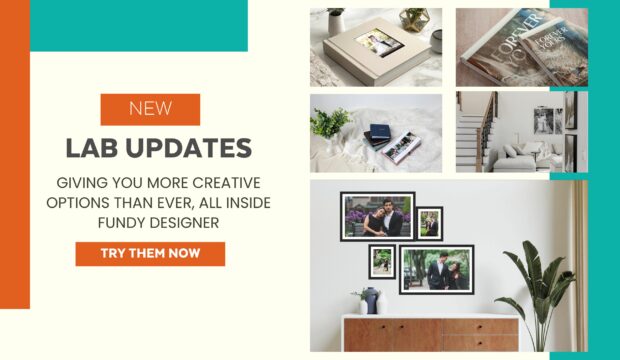
At Fundy Designer, one of the most important ways we support your success as professional photographers is through our deep relationships with labs and album makers around the world. Today, Fundy Designer partners with over 150 printers globally, offering tens of thousands of album and wall art sizes—all built right into the software. Behind the…
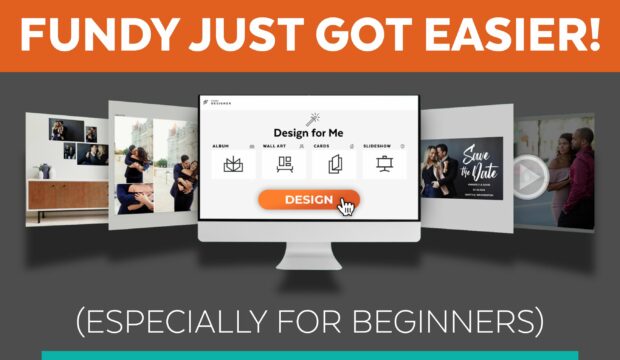
Over the years, we’ve worked hard to make Fundy Designer the most powerful design and sales tool for photographers. But power doesn’t mean much if you don’t know where to start. That’s why this latest update is focused on one thing—making it easier than ever for new users to dive in and start designing. New…
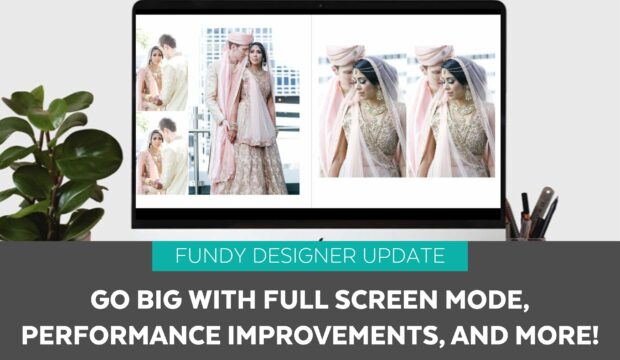
We’re excited to share the latest free update to Fundy Designer, focused on improving the user experience and giving photographers more tools to showcase their work with confidence. This release includes powerful updates designed to make album and wall art presentations more immersive, the interface more intuitive, and performance more responsive—especially on large projects. Full…

Want to know how Fundy Designer users are making the most of their engagement shoots with Fundy Designer v11? Check out this post, where we share 8 simple steps for success and more revenue! Step 1 – Apply One-Click Skin Retouching Clients like to see their images already retouched, and they sell better. The most…
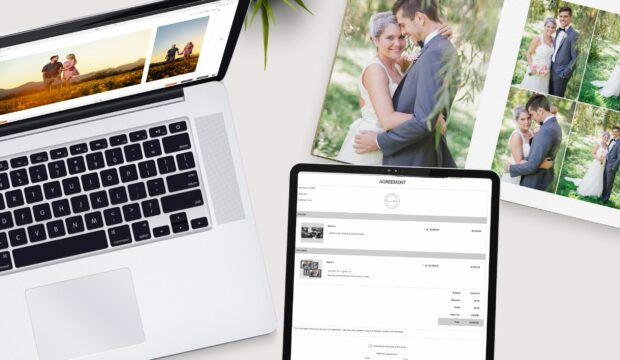
Are you ready to take your IPS to the next level? Whether you’re a seasoned pro or just getting started, this latest Fundy Designer update is built to make your life easier, help you make more money, and eliminate costly mistakes. Our Transformative Order Builder – Built to Streamline and Avoid Mistakes! Say hello to…

Adding frames and selling framed prints in Fundy Designer has never been easier. Fundy Designer v11 supports bulk frame importing as well as the new Fundy Frame Set files. With Frame set files just import one file and all of your frames. Frame Downloads are below the how-to information. How To Import: Step 1…
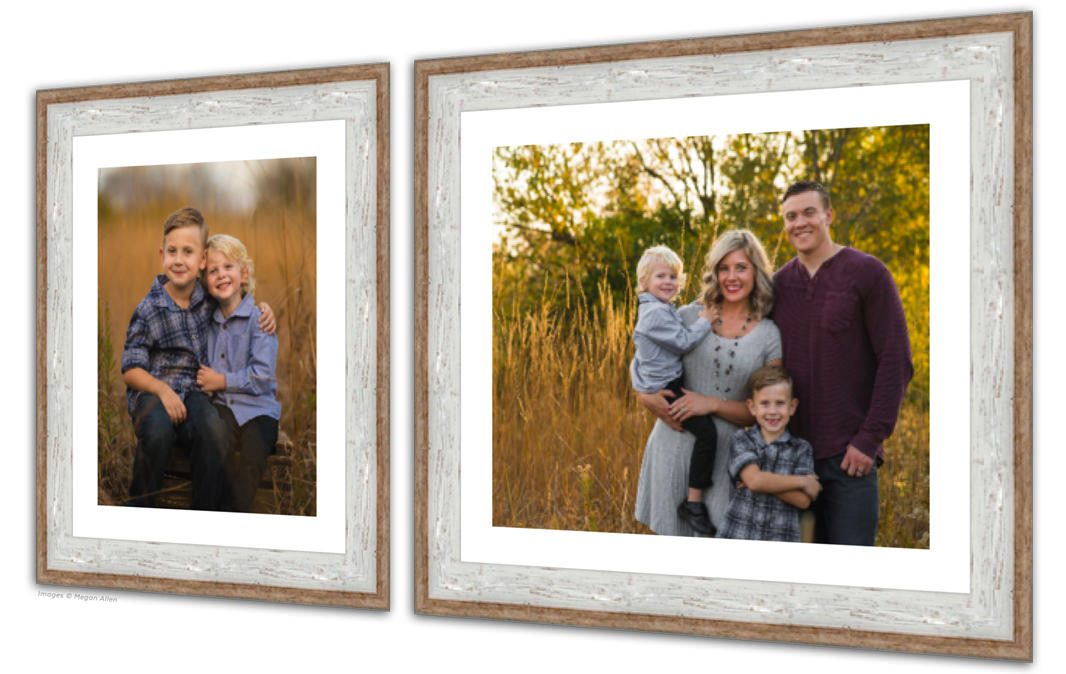
Do you own a lab or framing company? Would you like to provide your frame edges to the Fundy community so they can be displayed in Fundy Designer? Here is how. Users Can Import Frames Fundy Designer is set up so users can import whatever frames they would like into Fundy Designer to use in their…
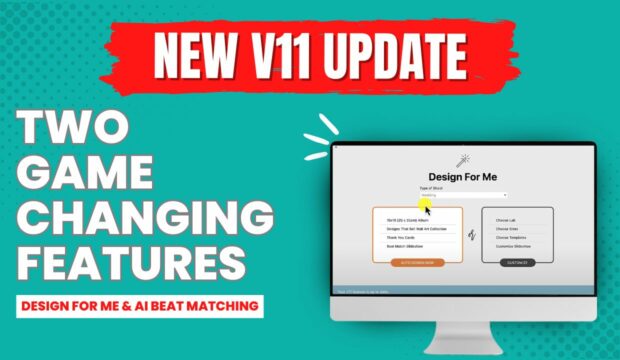
NEW: Design For Me Presets You know that feeling when everything just clicks? Well, this is it. Imagine saving presets for every kind of session you offer—your wedding collections, engagement sessions, family portraits—you name it. Picture this: Your wedding package presets saved with your go-to album company, album size, cover material, slideshow settings, and even…

In our Success by Design series, wedding photographer Kiamarie Lambert sat down with Michael T. Davis to share how she transformed her business by embracing printed products and leveraging tools like Fundy Designer. Kiamarie’s approach combines artistry, relationship-building, and efficiency, creating a business model that drives revenue and keeps clients coming back. Here’s how she…

Are you leaving money on the table by not offering albums and prints? Scott Johnson, award-winning photographer and owner of The Edge Photography, shares his strategies for maximizing revenue and enhancing the client experience. From embracing the power of print to leveraging tools like Fundy Designer, Scott has built a thriving business that blends artistry…